Every File is a Potential Threat: How Digital Quarantine Works with Dangerzone?
🇬🇧 Dangerzone makes the security of Qubes OS accessible to everyone. How does it safely convert suspicious documents into clean PDFs?
Imagine you’re an investigative journalist. You receive a file named secret_document.pdf from an anonymous source in your email. You have to open it; it might contain the story of the year. But it could also be a trap set by a hacker group trying to take over your computer.
In the past, we would have said, “use a separate, air-gapped computer to open this file.” But now, there’s Dangerzone.
Developed by Micah Lee of the Freedom of the Press Foundation, this tool came from a simple but brilliant question: “How can we bring the high-level document security of Qubes OS to everyday Mac and Windows users?”
| Settings | Conversions |
|---|---|
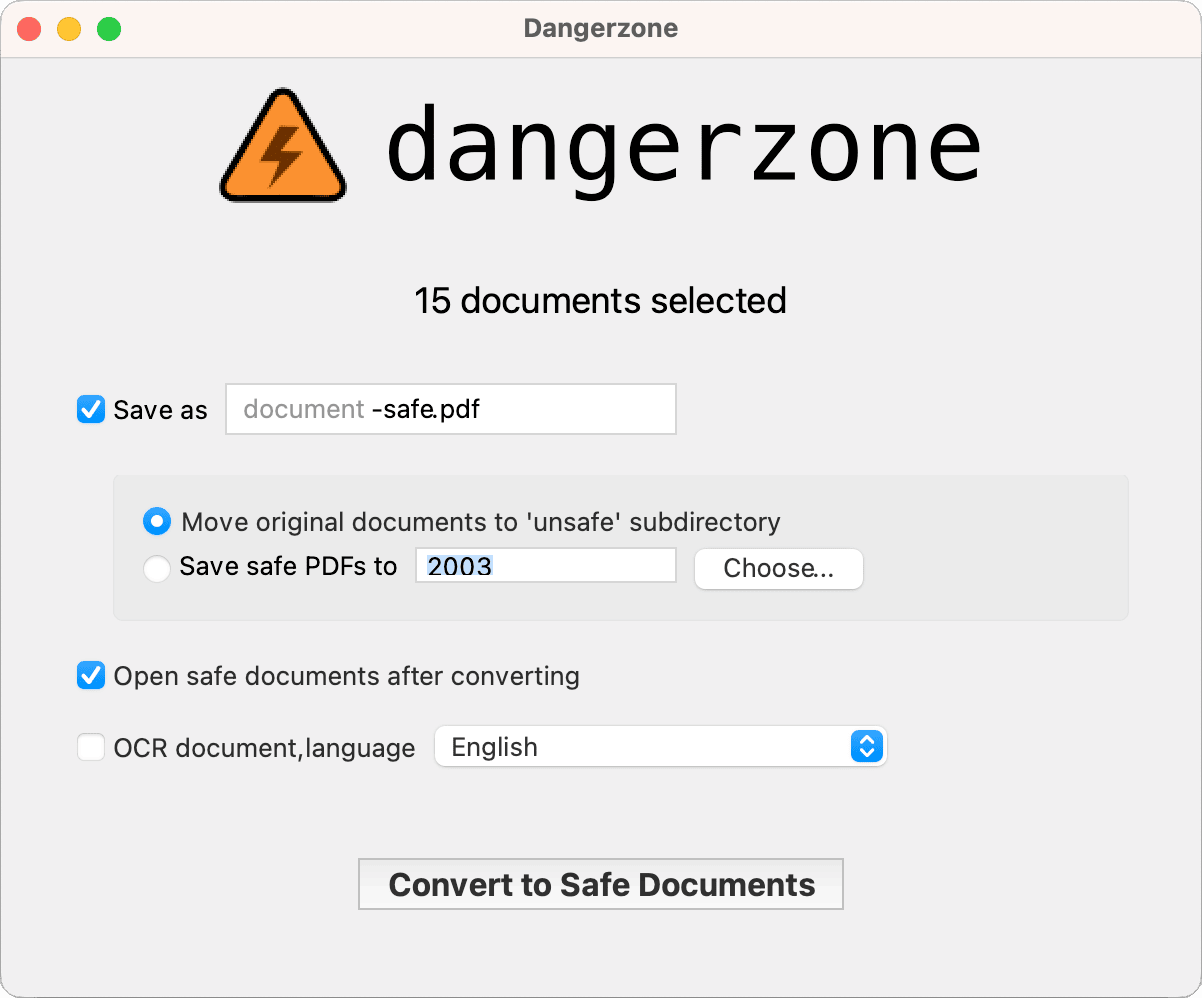 |
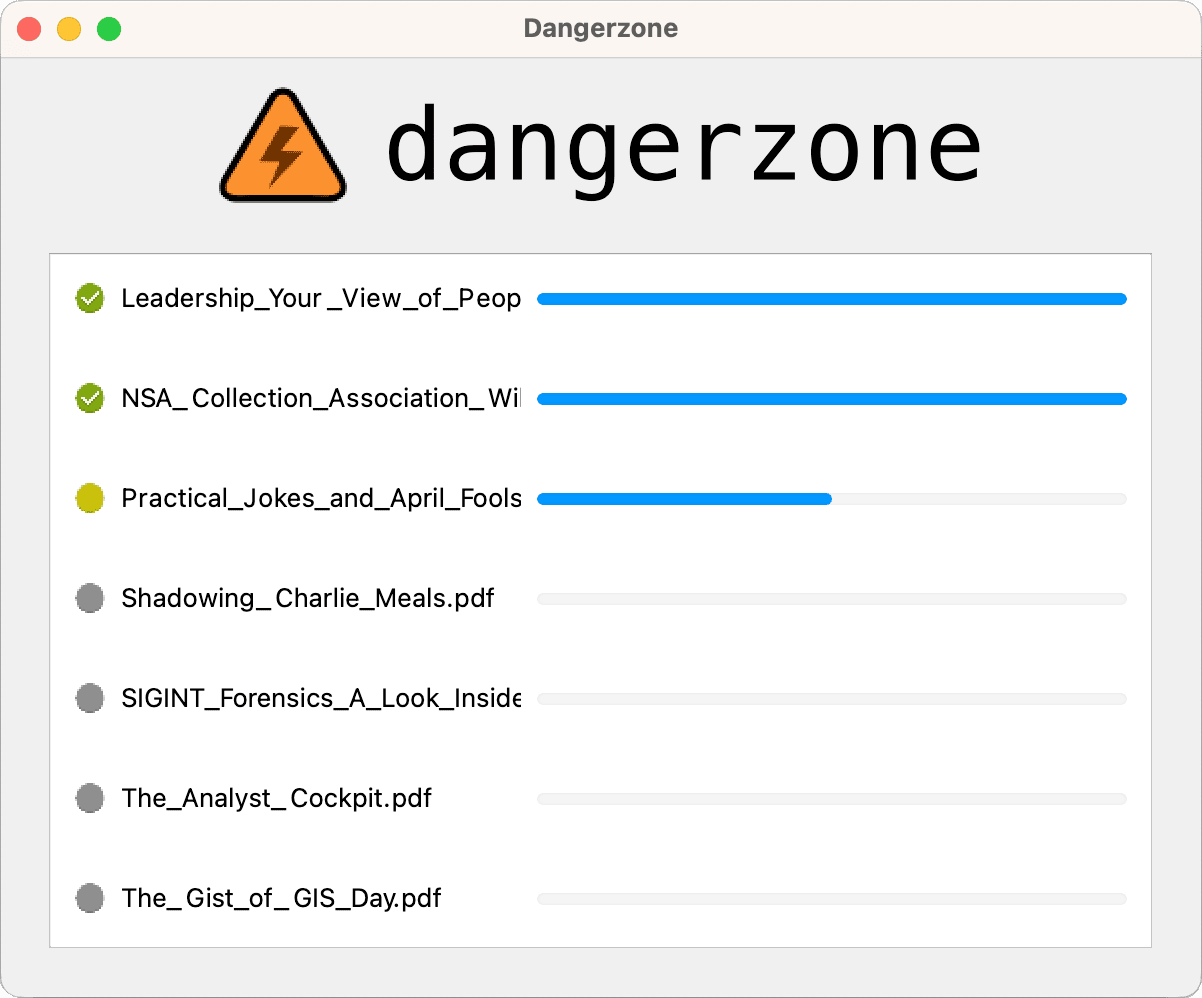 |
The Digital Quarantine Room
The easiest way to understand Dangerzone is to think of it as a digital quarantine room or a photocopier.
graph TD
    subgraph "Your Computer (Host)"
        A["Suspicious File (.pdf, .docx, .jpg)"] --> B{Dangerzone};
        B --> C["1. Create a temporary, isolated container (Sandbox)"];
        C --> D["2. Copy the file into the container"];
    end

    subgraph "Isolated Container - No Internet"
        D --> E["3. The document is converted to pixels<br/>(Each page is 'photographed')"];
        E --> F["4. Only the pixel data is taken out"];
    end

    subgraph "Your Computer (Host)"
        F --> G["5. The container and original file are destroyed"];
        G --> H["6. A safe PDF is created from the pixel data"];
        H --> I{"Text Recognition (Optional)"};
    end

    I -- "Yes" --> J["7. The safe PDF is sent to a new container for OCR, and a text layer is added"];
    J --> M["✅ Safe PDF"];
    I -- "No" --> M;
Most antivirus software looks for “bad” code (a signature) inside a file. If it doesn’t see a known threat, it declares the file “clean.” Dangerzone rejects this approach. For Dangerzone, every file is guilty until proven innocent.
Here’s how it works:
- Quarantine (Sandboxing): It takes the suspicious document (PDF, Word, Excel, or a Jpeg) and locks it in a Linux container (sandbox) that is completely isolated from your computer and has no internet access.
- Pixel Conversion (Rendering): It opens the document in this isolated room. But instead of reading the file’s code, it essentially takes a picture of each page, turning it into pixel data.
- Destroy and Rebuild: The original file and all the potential malicious code it carries (macros, scripts, exploits) are destroyed along with the container. All that’s left is the harmless pixel data.
- Clean Output: Dangerzone takes these pixels and turns them into a brand-new, clean PDF file.
The result? A 100% safe PDF that looks identical to the original but contains not a single line of executable code.
| Output |
|---|
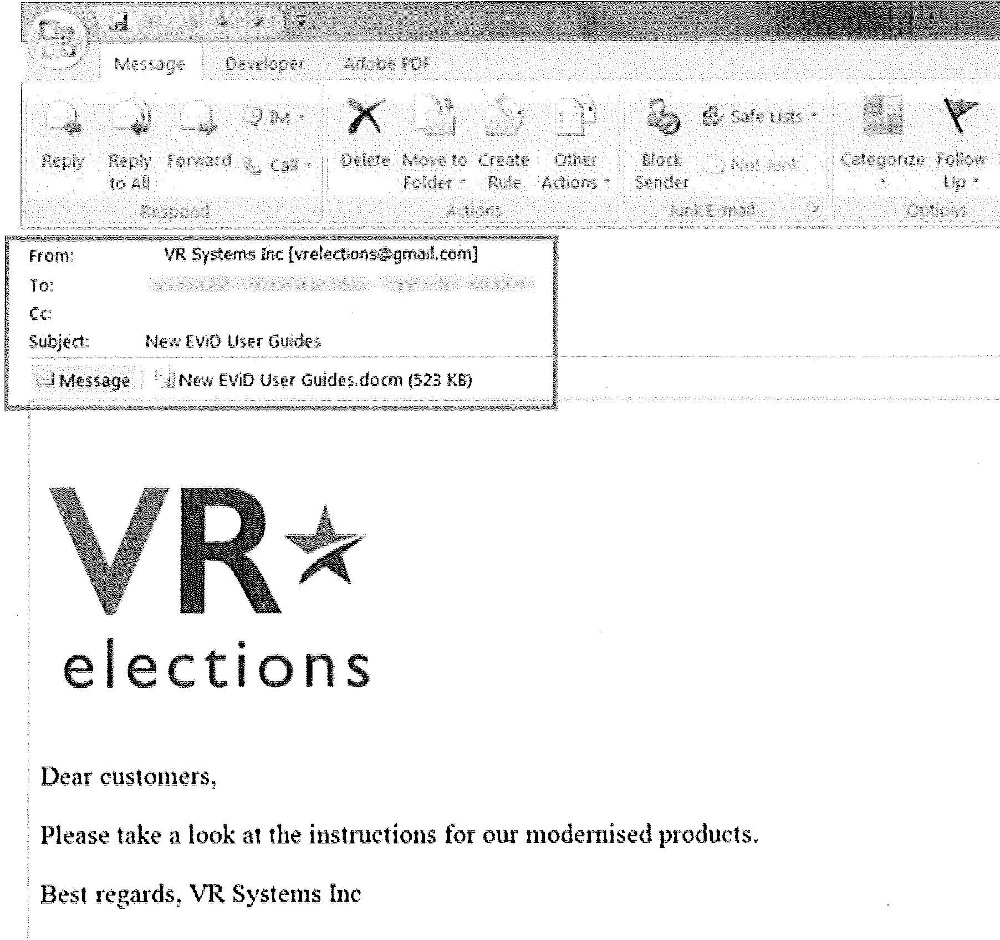 |
Qubes OS Security for Everyone
Cybersecurity experts have used Qubes OS for years. Qubes has a feature called “Trusted PDF” that has been doing this for a long time. However, using Qubes OS is a complex process that requires technical knowledge.
This is where Dangerzone’s revolution begins: it took this “convert untrusted files to safe PDFs” feature from Qubes and brought it to Windows, macOS, and standard Linux distributions. You no longer need to be a Linux expert to use this technology; all you have to do is select the file and press “Start.”
Not Just an Image, but Searchable Text (OCR)
Turning documents into “images” has a downside: the text can’t be selected or searched. Dangerzone has a solution for this too.
It runs OCR (Optical Character Recognition) on the “clean” PDF, again in an isolated environment. This way, the safe file you get isn’t just a pile of dead images; it’s a functional document where you can search (CTRL+F) and copy text.
What Does It Support?
Dangerzone doesn’t discriminate. Whether it’s an Excel spreadsheet (.xlsx), a presentation (.pptx), a LibreOffice document (.odt), or an image (.jpg, .png), it takes them all and converts them into one universal output: a Safe PDF.
Be careful with archive files (.zip, .tar)! Dangerzone does not open them automatically to avoid the risk of zip bombs. You need to extract the archive and process the files inside one by one.
Don’t Trust It, Use Dangerzone
In modern cyber warfare, attacks often come through your weakest link: human curiosity. A file that looks like Invoice.pdf or Resume.docx can bring down even the most secure systems.
Dangerzone is the strongest wall you can build between yourself and files from untrusted sources. Opening documents in their original form is a gamble; opening them with Dangerzone is like taking the dice off a rigged table and throwing them in the trash.
Source Code: GitHub
Download: dangerzone.rocks